
How to use the app
Every FarmInvest feature and what it does for you
8 August 2026 6 min read
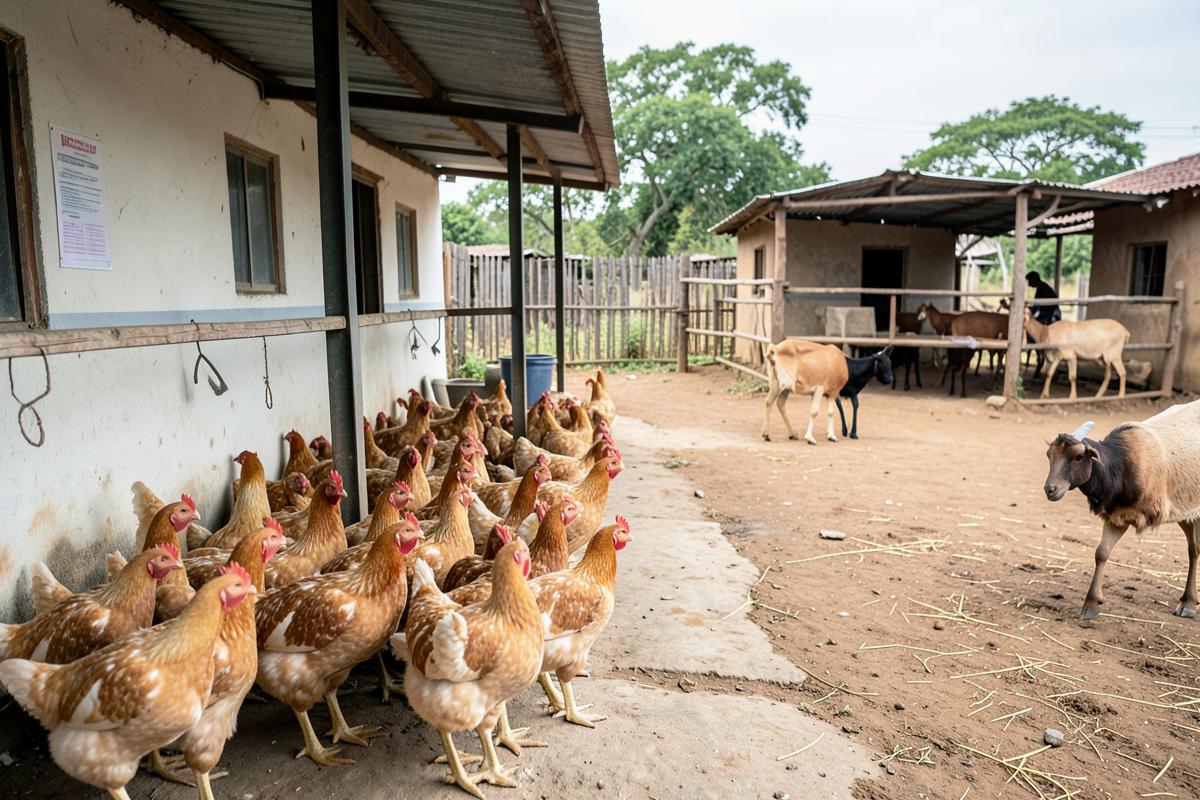
FarmInvest is one app with several modules. You do not have to use them all — here is what each one is for so you can pick what fits your farm.
Running the farm
- Crops and livestock: parent record first, then activities and batches
- Inventory: what is in the store shed and what it cost
- Financials: income, expenses and margins in ZAR or USD
- Labour: workers, days and payments
- Equipment and vehicles: service, fuel and usage
- Tasks: what is due this week, with reminders
Deciding what to do next
- Weather for your own area, not a national average
- Daily market prices and seasonal outlooks
- Farming School crop and livestock guides
- Courses with lessons, a test and a certificate
- Agronomist advice and paid consultations
Buying, hiring and selling
- Store: inputs and equipment with delivery or quotes
- Tractor hire: rate card, live estimate and PDF receipts
- Marketplace and land rentals between farmers
- Farm jobs board
For investors
- Opportunity list with terms and documents
- Milestone updates and field photos
- Statements, expected payouts and multi-year projections
Ready for the next step?
Farming and investing both go better with clear numbers. Start where it suits you.
Related articles
- Farm investment in South Africa and Zimbabwe: how it actually worksInvesting · 6 min
- The real risks of farm investment in South Africa (and how they are managed)Risk & returns · 7 min
- Farm investment returns explained: gross yield, deductions and what actually lands in your accountRisk & returns · 6 min